Welcome sale - %40 off Pastemac

Welcome sale - %40 off Pastemac

|

Buy now

Buy now

Clipboard History Manager for macOS

Your Mac forgets.
Pastemac doesn't.

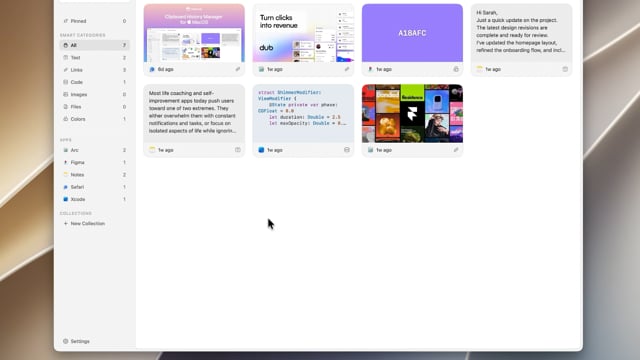
Everything you copy, saved, organized, and searchable.
Find it in seconds with Pastemac.

One-time purchase · Lifetime updates · 7-day money-back guarantee

Apple Silicon and Intel · macOS Sonoma 14.0+ or later

Pastemac clipboard history manager showing clipboard history in dark mode

Clipboard History Manager for macOS

Your Mac forgets.
Pastemac doesn't.

Everything you copy, saved, organized, and searchable.
Find it in seconds with Pastemac.

One-time purchase · Lifetime updates

Signed and notarized by Apple

Apple Silicon and Intel · macOS Sonoma 14.0+ or later

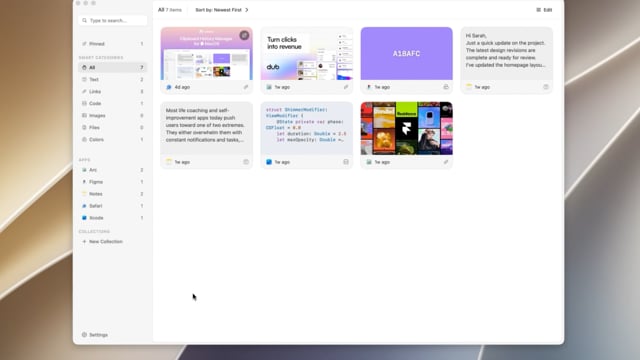
Pastemac clipboard history manager showing clipboard history in dark mode

Clipboard History Manager for macOS

Your Mac forgets.
Pastemac doesn't.

Everything you copy, saved, organized, and searchable.
Find it in seconds with Pastemac.

One-time purchase · Lifetime updates · 7-day money-back guarantee

Apple Silicon and Intel · macOS Sonoma 14.0+ or later

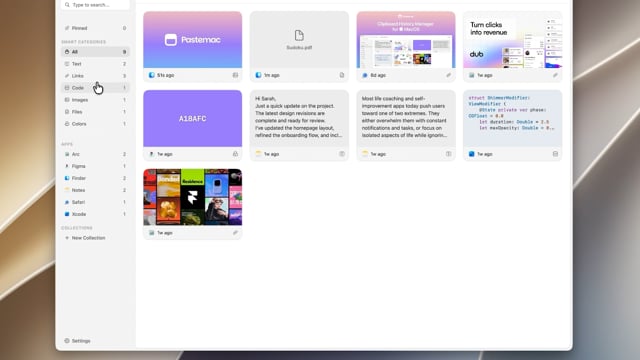
Pastemac clipboard history manager showing clipboard history in dark mode

Your clipboard,

upgraded.

Search, organize, and instantly reuse everything you copy.

Pastemac keeps your clipboard history ready whenever you need it.

Fast Paste

Your clipboard,
one shortcut away.

Find and paste anything you've copied without leaving what you're working on.

Smart Search

Remember copying it?
That's enough.

Search your entire clipboard history by text, app, or even words hidden inside items.

Pin Items

Keep the good stuff close.

Pin your most-used snippets, links, and references so they're always easy to find.

Collections

Everything in its place.

Organize snippets, links, and references into collections you can access anytime.

More control over

everything you copy.

The little details make a big difference. Discover more ways to control, customize,

and get the most out of your clipboard.

Smart Previews

See what you copied.

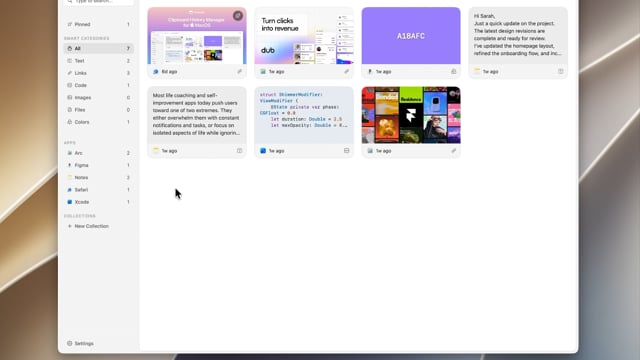
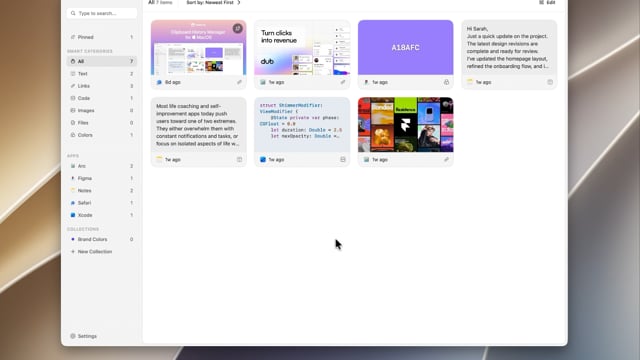
Preview text, code, images, links, and colors at a glance.

Add a Note

Give your clips a little context.

Add notes to your clips and remember why they matter.

Customization

Your clipboard. Your rules.

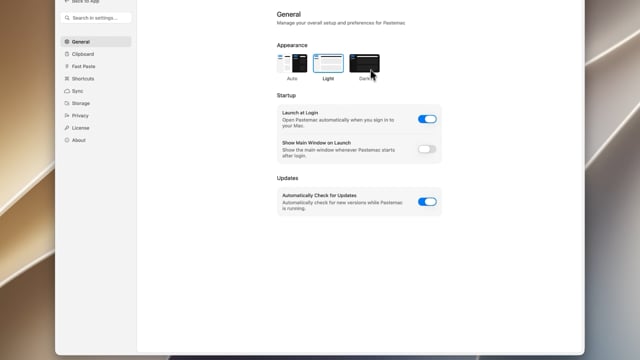
Make Pastemac yours with themes, shortcuts, and preferences.

Storage & Backup

Keep what matters.

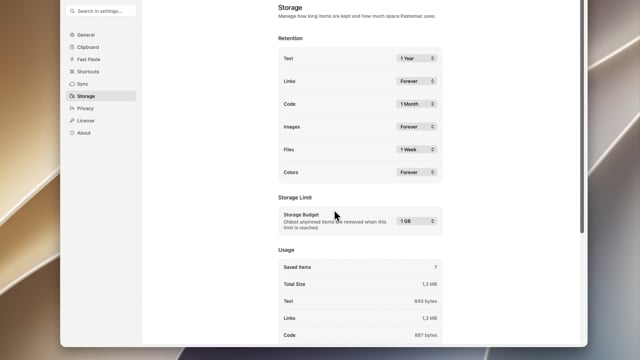
Control storage, manage history, and back up your data.

Whatever your workflow looks like,

Pastemac fits right in.

Designers

Colors, screenshots, SVGs, and inspiration. All in one place.

Developers

Code snippets, commands, and links. Ready when you need them.

Writers

Keep your ideas, quotes, and references just a paste away.

Lawyers

Less time finding that clause. More time making your case.

Students

Keep the research. Lose the twenty open tabs.

Teachers

Your best lesson resources, always ready for an encore.

Pay once.

Paste forever.

One simple payment, no subscriptions. Choose the license that fits your Macs and enjoy Pastemac without recurring fees.

$9

$15

  • One-time purchase. No subscription.

  • All features unlocked

  • Lifetime updates included

  • iCloud Sync included

  • 7-day money-back guarantee

  • Native macOS App

  • License for 1 Mac

$9

$15

  • One-time purchase. No subscription.

  • All features unlocked

  • Lifetime updates included

  • iCloud Sync included

  • 7-day money-back guarantee

  • Native macOS App

  • License for 1 Mac

Your purchase is securely processed by Polar.sh. You'll receive your license key by email after payment.

Any applicable taxes will be shown before you pay.

Questions? Answers.

Questions? Answers.

What is Pastemac, and how does it work?

Pastemac is a clipboard manager for Mac that automatically saves your copied text, links, code, images, files, and colors. You can search your clipboard history, organize items into collections, and quickly paste anything you've copied before.
How is Pastemac different from the built-in Mac clipboard?

Is Pastemac free to use?

Is Pastemac a subscription?

How much does Pastemac cost?

Which macOS versions does Pastemac support?

Can I use Pastemac on multiple Macs?

Does Pastemac sync clipboard history between Macs?

Is my clipboard history private?